Release v2026.6.0
Release date: June 30, 2026
Supported models: redaction / restriction / replication
The current release of InCountry Data Residency for Salesforce includes the following features and improvements:
Resolved Permission Error on Report Migration
Moving a report to a Private folder no longer triggers a false error message (fflib_SecurityUtils.FlsException). Reports will now move successfully without showing a confusing error screen.
UI Alignment and Updates for Sales Engagement Components
Updated Sales Engagement metrics to match the latest Salesforce release, added a "Load Engagements" button for better data loading, and replaced the "Take Action" button with a direct "Call" button for call steps.
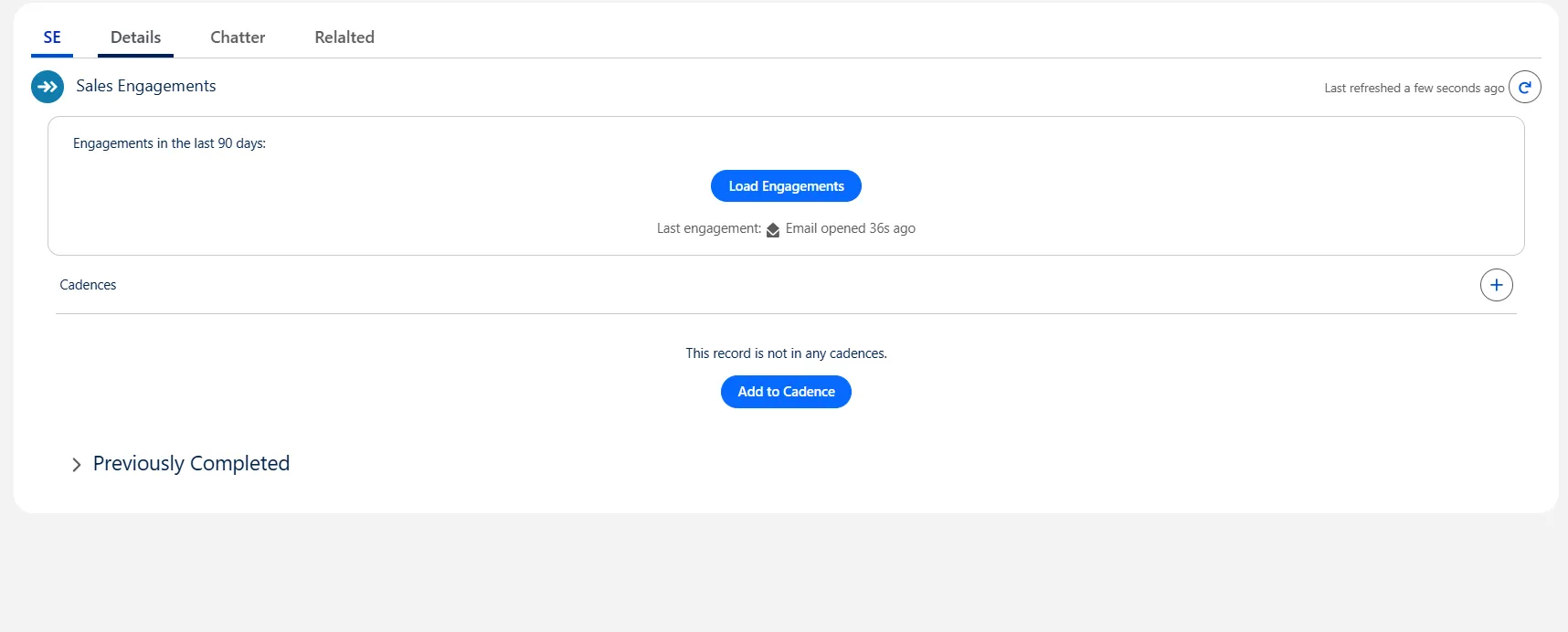
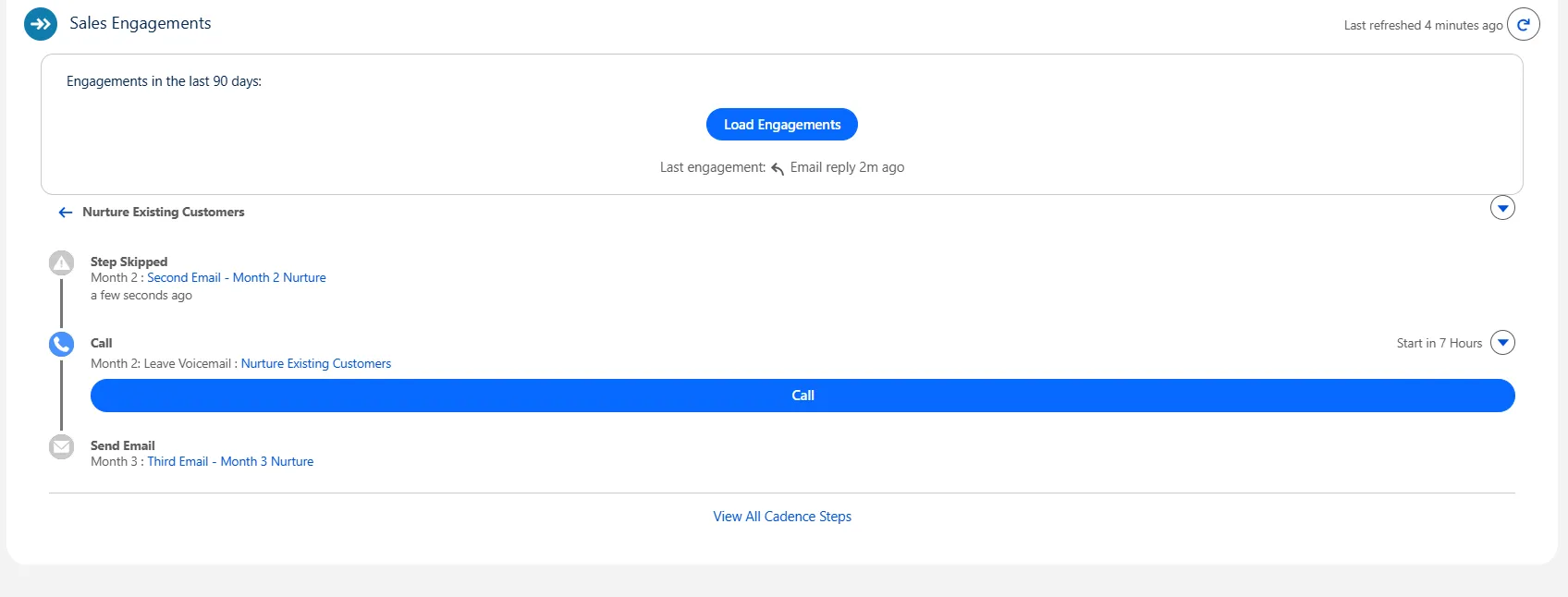
Expanded Tracking in Sales Engagement Metrics
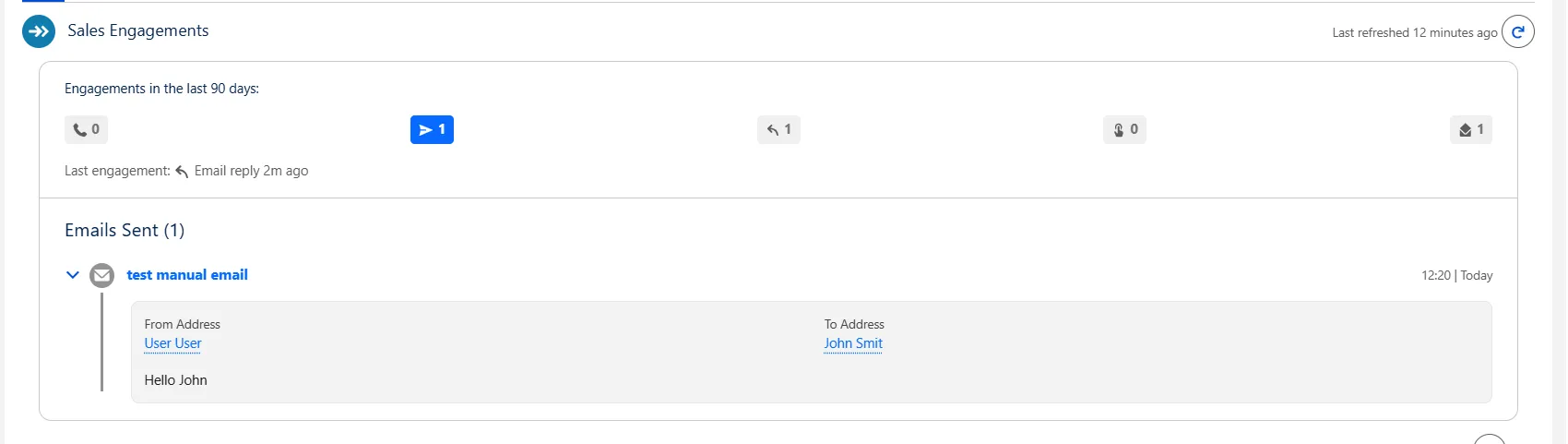
Updated the Sales Engagement Metrics interface to display both calls and emails. Users can now click any metric to view a detailed breakdown of sent and received emails for better activity visibility.
Fixed "Change Owner" Action on List Views
Fixed an issue where the "Change Owner" functionality on the listview was broken. This was potentially caused by recent fixes made to the IncountryLookup Lightning Web Component. The functionality has been restored and now works as expected.
Introduced Support for Field Sections and Tabs in Dynamic Forms
Dynamic Forms allow you to create intuitive, user-centric page layouts that display the right information at the right time. They solve a common problem: over time, the "Details" section on Lightning pages can become cluttered with fields that are necessary, but not for every user or situation. Previously, the only solution was to create multiple page layouts and profiles—a process that is both labor-intensive and configuration-heavy.
With Dynamic Forms you’ll be able to:
- Place fields anywhere on the layout without needing to add them to the traditional page layout (“Details” component).
- Use visibility rules to make fields and components appear and disappear based on criteria you choose.
- Do away with multiple page layouts.
- Improve page load times.
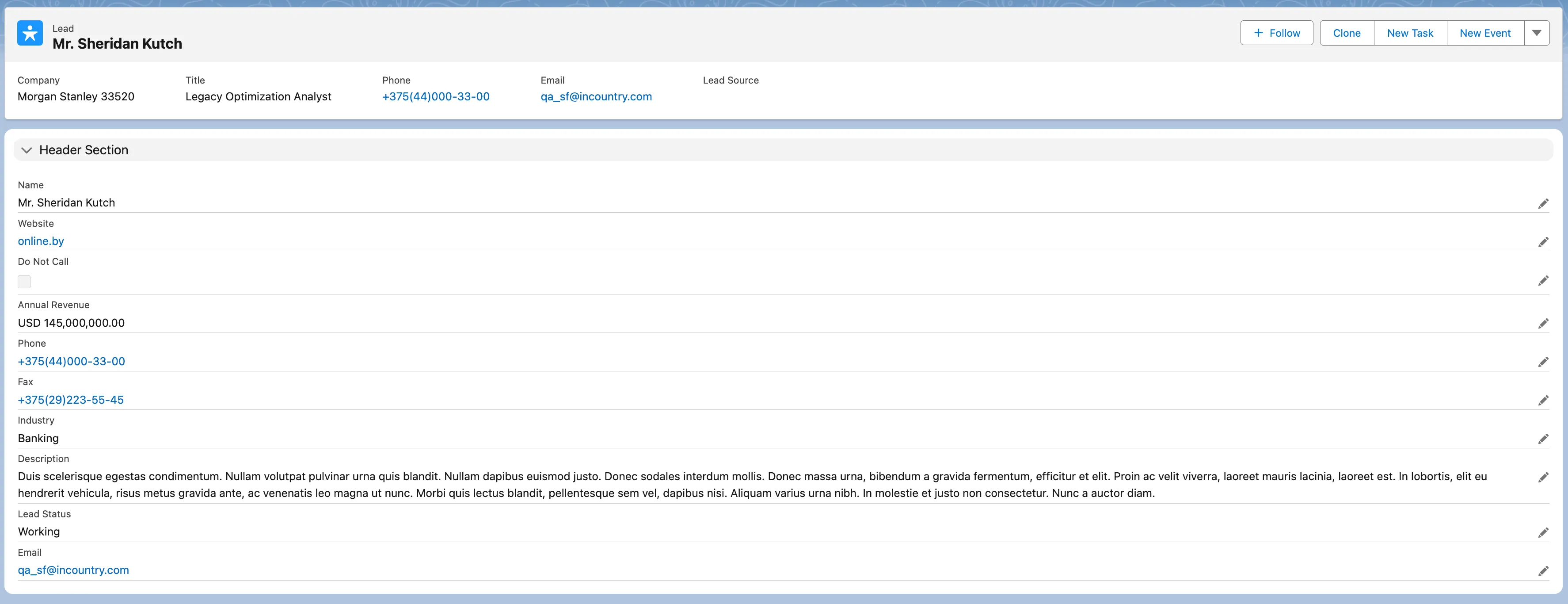
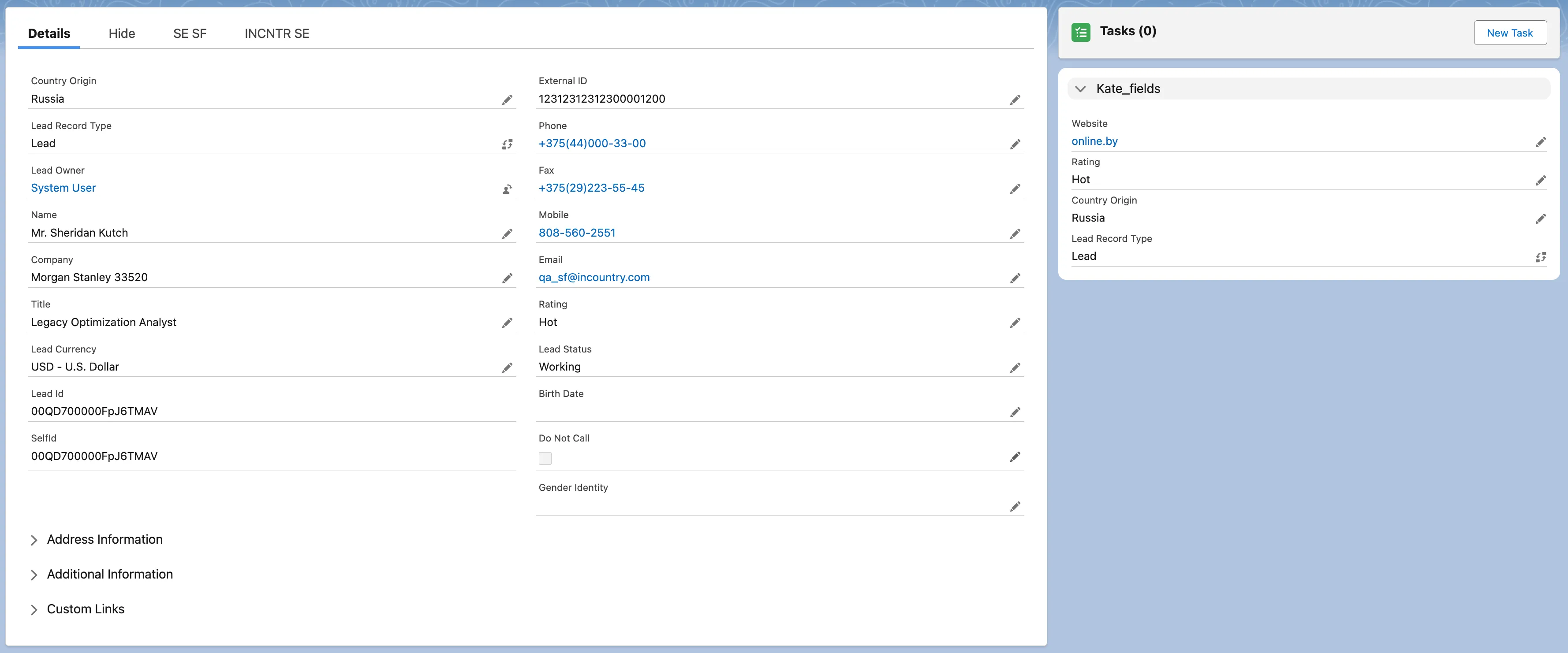
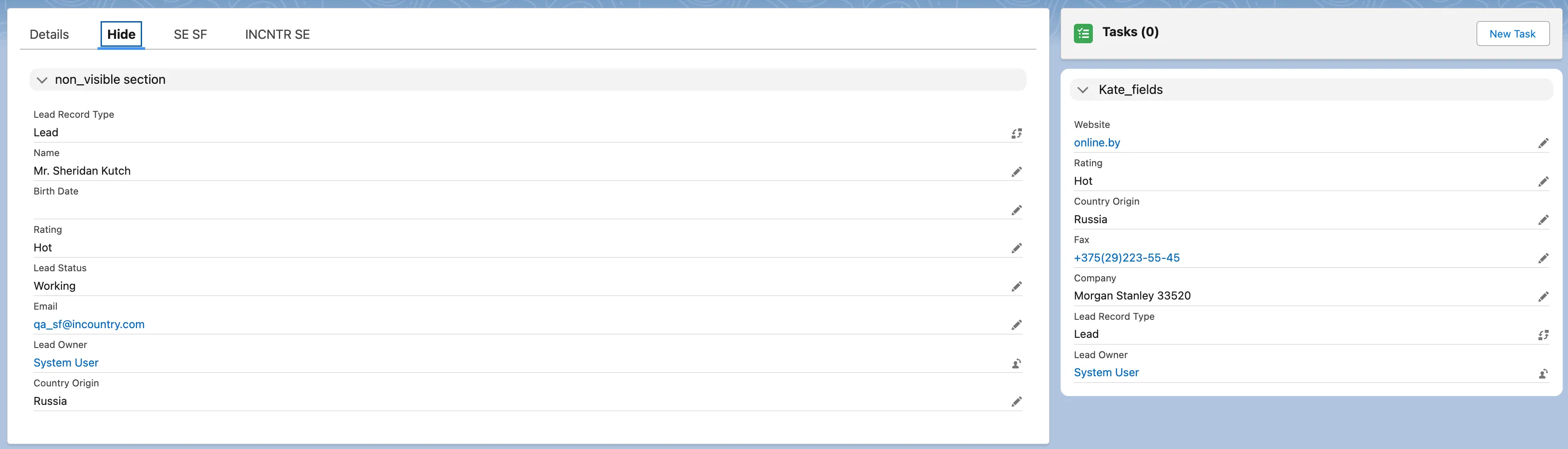
User Guide: Salesforce Dynamic Forms & Dynamic Actions Setup Guide
Performance Optimizations and System Maintenance
Internal system optimization and legacy code cleanup to improve maintainability and performance.