Release v2.4.0
Release date: May 19, 2026
Supported models: redaction / restriction / replication
The current release of InCountry Data Residency for Salesforce includes the following features and improvements:
BUG FIX: Activity Related List Unmasking
Fixed a display issue on the ActivityRelatedListSingle component. Hashes are no longer displayed for regulated Lead records within Cadence Targets when policies are applied based on the RecordType field.
BUG FIX: Case Loading Browser Navigation Error
Resolved an unhandled error that occurred when users navigated back via the browser buttons while a newly created Case record was loading. The page now handles browser navigation gracefully.
FEATURE: Developer Edition Quick Cadences Visibility
Fixed a visibility issue where "Quick Cadences" failed to display within the InCountry component for Developer Edition organizations. The InCountry component now consistently mirrors native Salesforce component behavior.
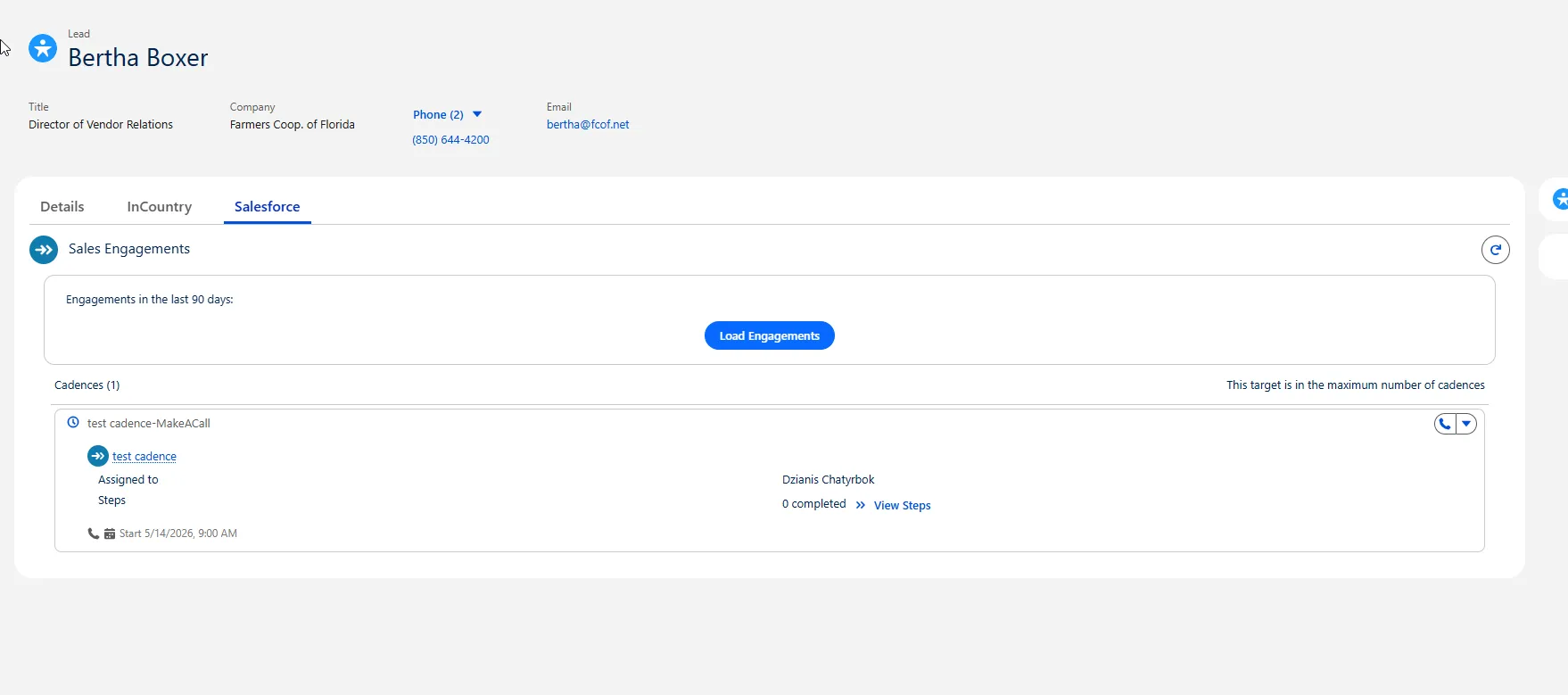
FEATURE: macOS Pop-up Menu Closing Behavior
Fixed the automatic closure behavior of action pop-up menus during quick backward navigation on macOS systems. The pop-ups now maintain expected behavioral consistency across all platforms and standard Salesforce functionality.
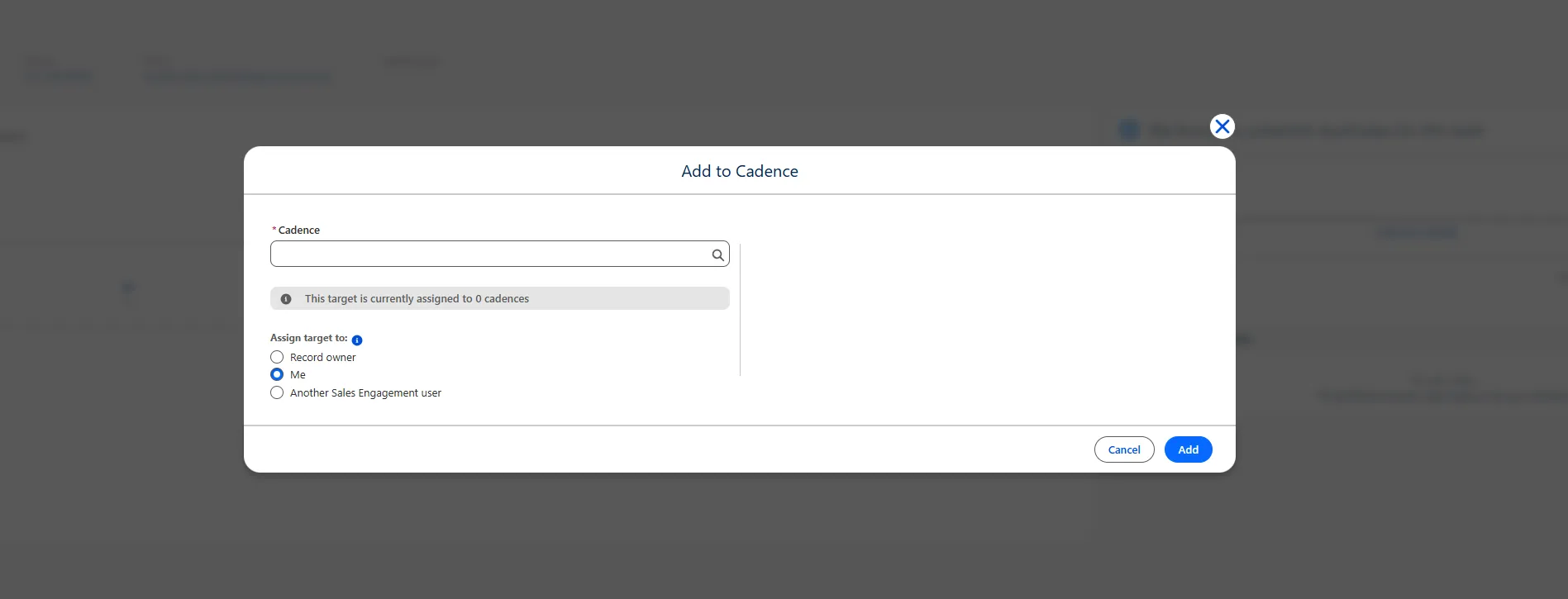
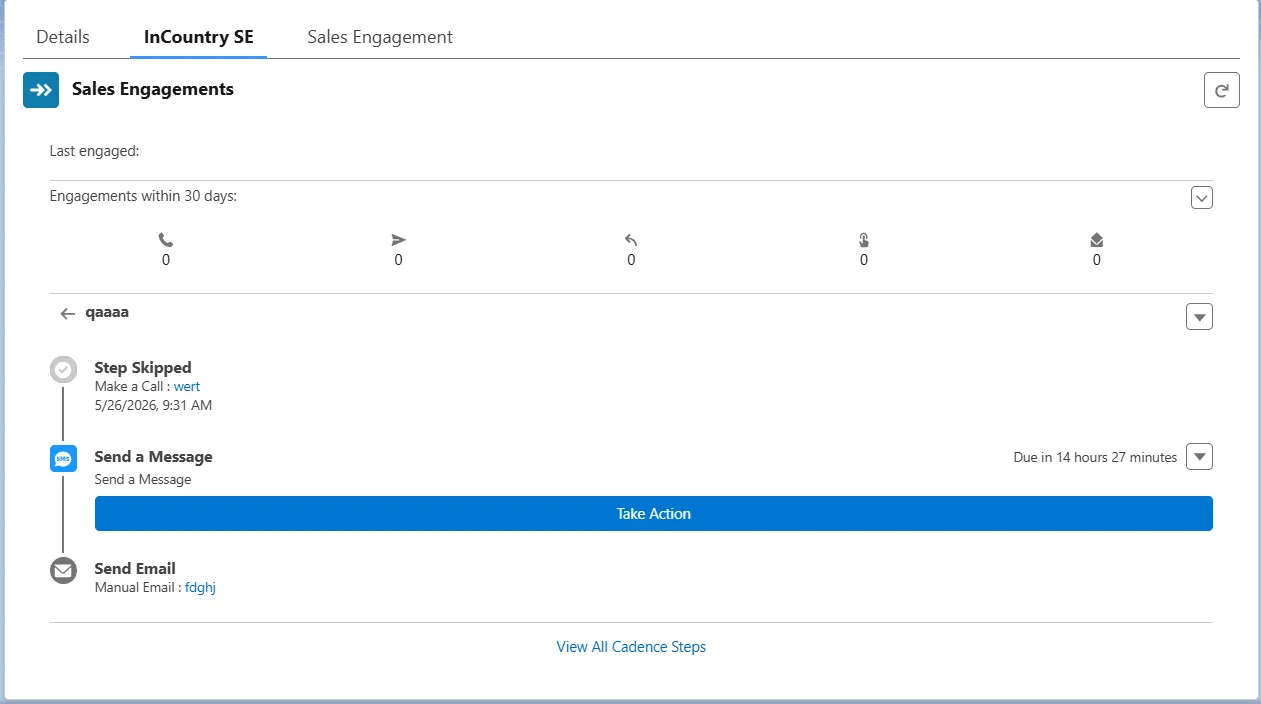
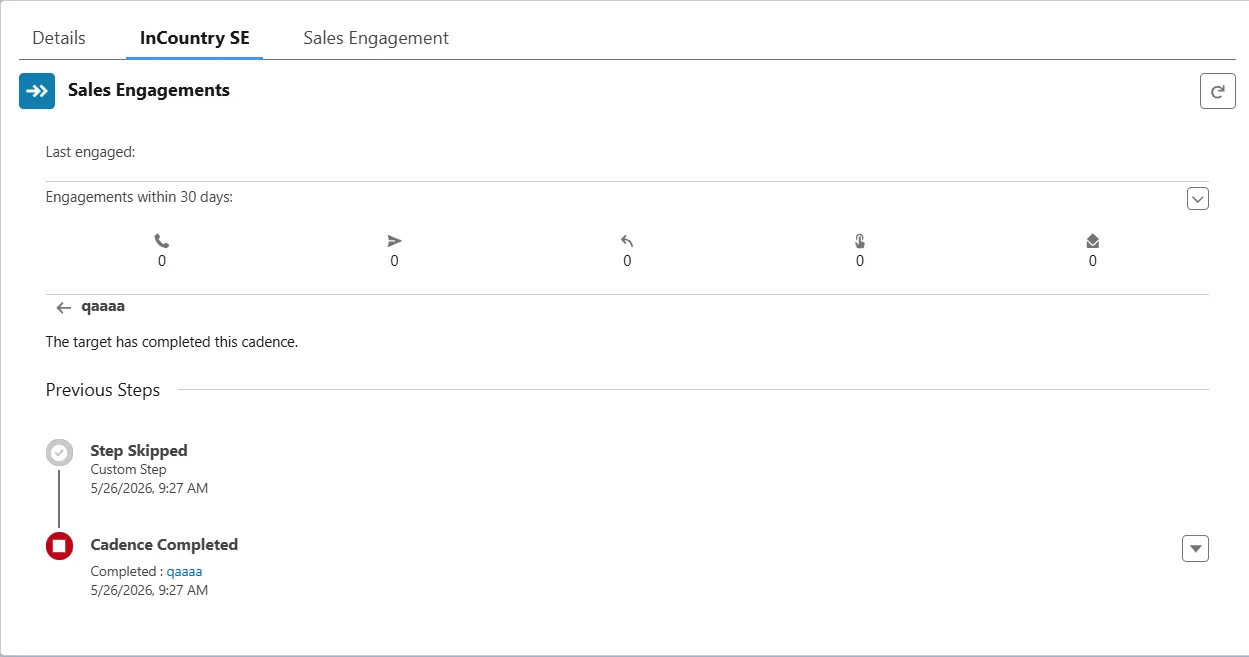
FEATURE: Cadence Tracker UI Enhancements
Enhanced cadence step presentation within the InCountry cadence tracker card:
-
Skipped steps are now accurately labeled.
-
Step template names are properly hyperlinked to match native Salesforce functionality.
-
The warning icon for skipping steps is now strictly reserved for manual emails.
-
The terminal "Cadence Completed" row displays the Action Cadence link and date only after the tracker is fully complete.

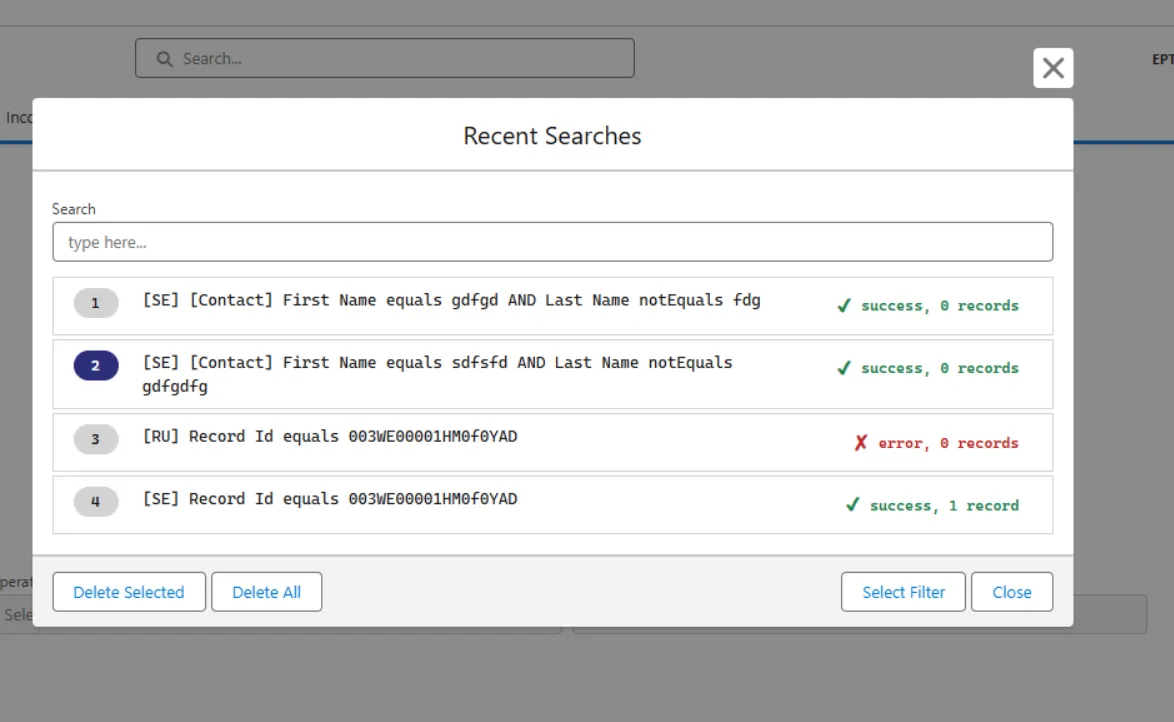
FEATURE: FindInCountry Component Search History
Implemented saving of recent search results within the FindInCountry component for quicker user access.
BUG FIX: Experience Cloud Lead List View Error
Resolved an error that blocked users from accessing the Lead List View within Experience Cloud/Communities portal setups.
